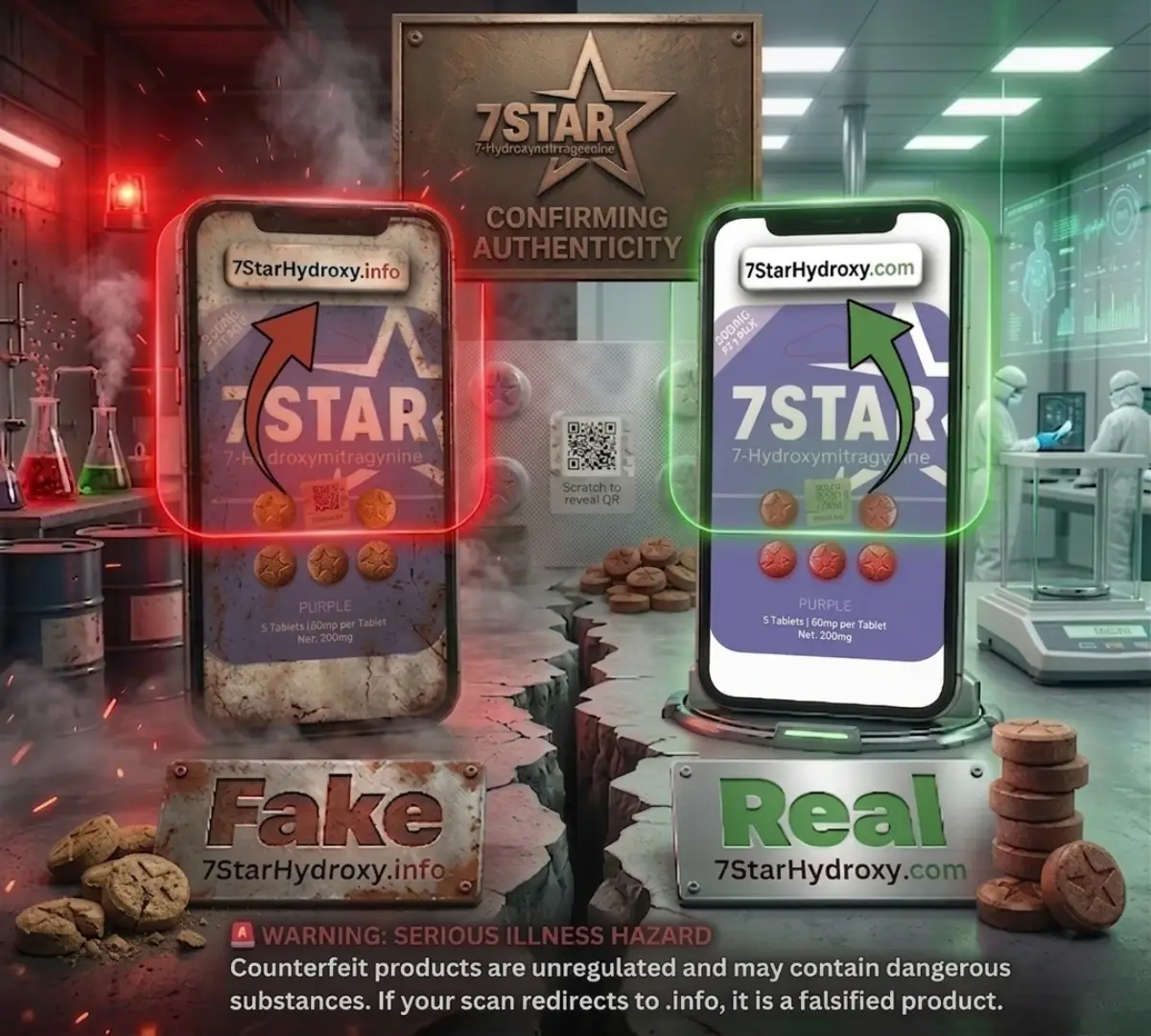
7-STAR Product Verification
Enter the scratch code from your 7-STAR product package to verify authenticity. The scratch / peel code is located directly under the QR scan code.
Verify Your Product Code
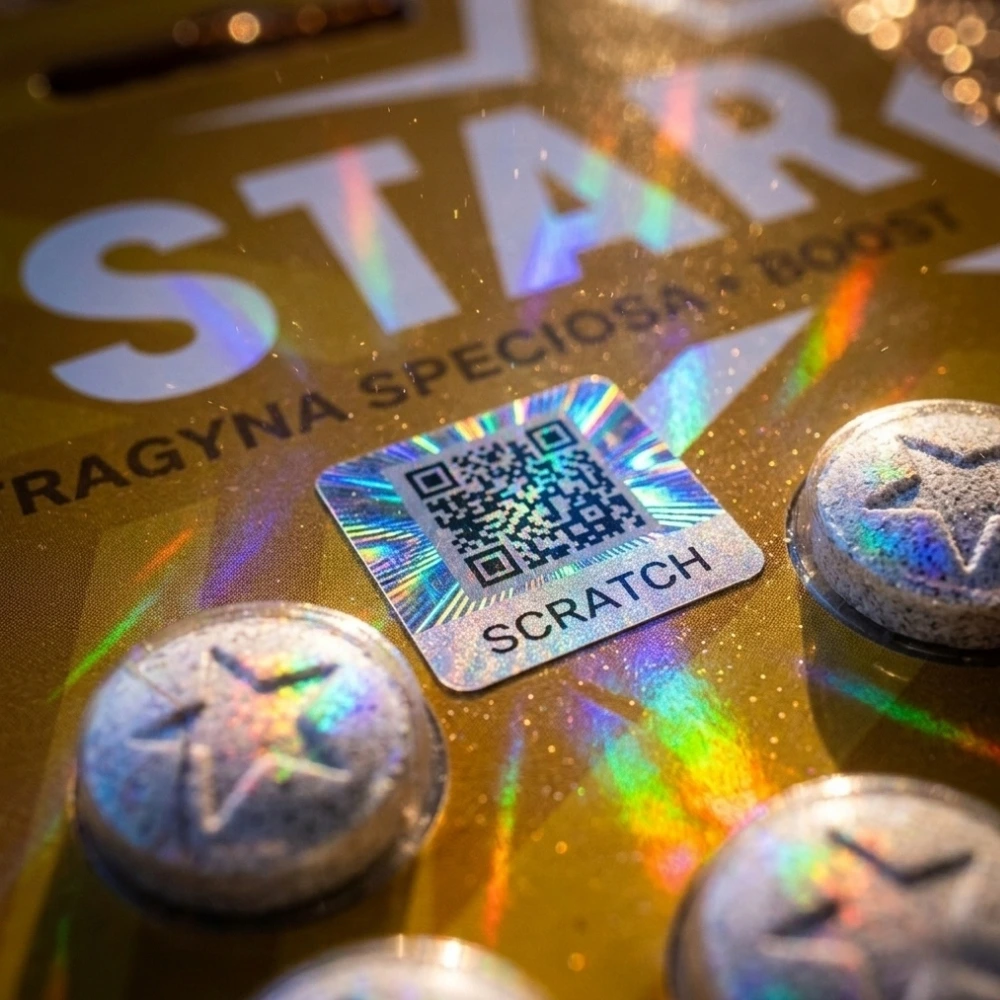
Peel or scratch the security area directly under the QR code on your package to reveal your verification code.
How Verification Works
Use the QR code on your 7-STAR package to open this official product verification page.
The scratch / peel code is located directly under the QR scan code on the package.
Enter the code exactly as shown to check whether the product is authentic, invalid, or already used.
Where to Find the Scratch Code
The scratch / peel verification code is located directly under the QR scan code on your 7-STAR package. Use the example image below as a visual guide.
Official 7-STAR Product Authenticity Check
This page helps customers confirm official 7-STAR products, reduce counterfeit risk, and review product verification status. Always purchase from trusted sources and verify your product before use.
Important Verification Notice
If your code shows as invalid, already used, or does not verify correctly, do not use the product. Contact 7-STAR support with product photos, package details, and purchase source.